Select and sync tasks
When your tasks are ready, send them to Jira or Asana. You can select as many tasks as you want to sync in one go.
Connect a tool first
You need to connect Jira or Asana before you can sync tasks. Go to Integrations to set this up.
Select tasks
Open the Tasks tab on a processed meeting. Select the checkbox beside each task you want to sync. The Sync tasks to workflow button at the top of the page updates to show how many tasks you have selected.
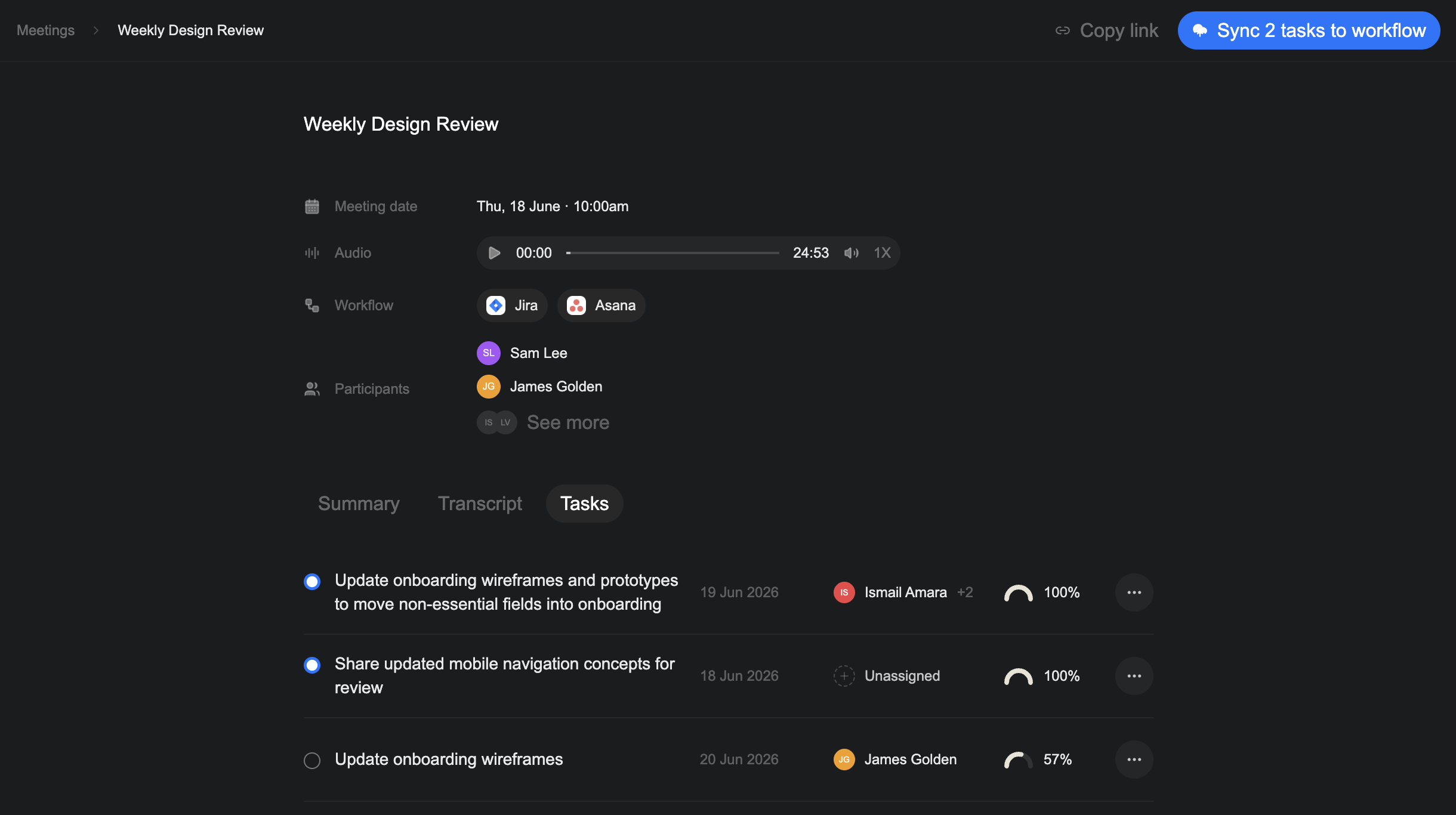
Send tasks to your workflow
- Select Sync tasks to workflow.
- Choose a connected tool — Jira or Asana.
- Select Continue.
- Choose the workspace, project, and section where Verbels should send the tasks.
- Select Create tasks.
Verbels sends the selected tasks to the tool and project you chose.