Review summaries and transcripts
After Verbels processes a meeting, read the summary for a quick overview or open the transcript when you need the full conversation.
Verbels generates the summary and transcript from the meeting conversation. Names, dates, technical terms, or sections where people spoke at the same time may not always be accurate. Check important details against the recording.
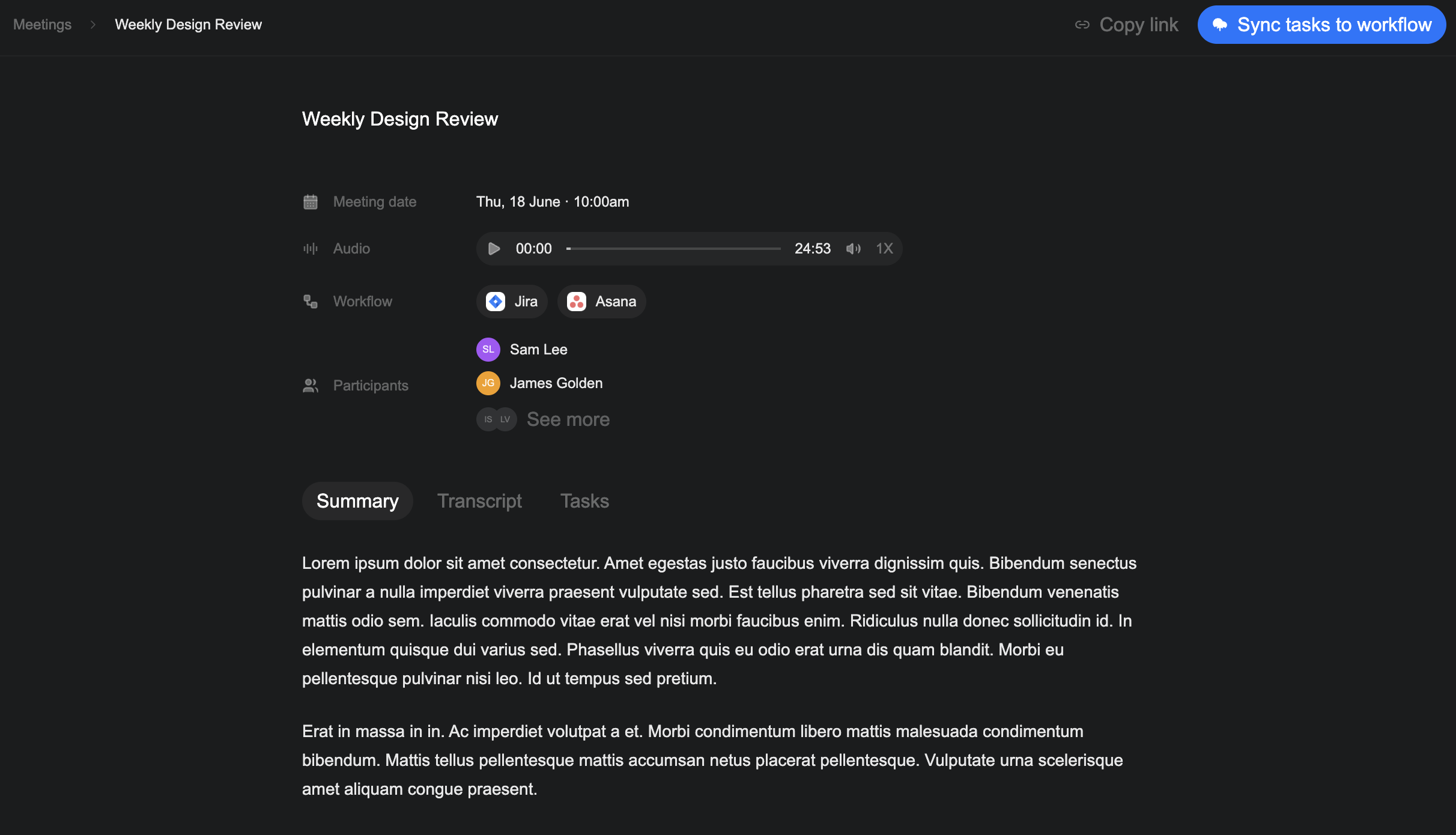
Review the summary
Select the Summary tab on the meeting page.
The summary gives you a shorter account of the main discussion. Before you move to the tasks, check that it reflects:
- The main topics discussed
- Decisions made during the meeting
- Names and responsibilities
- Dates and deadlines
Review the transcript
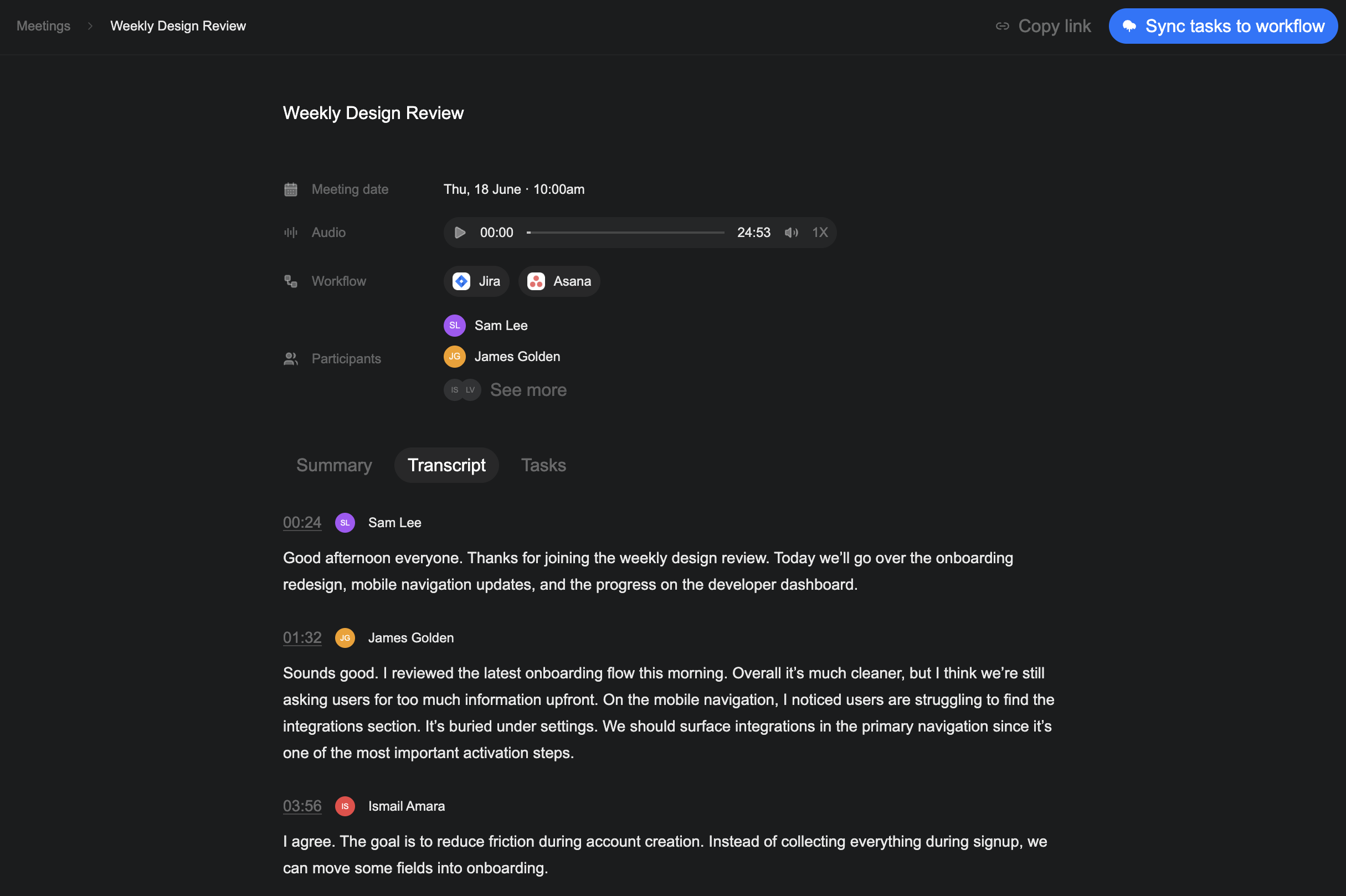
Select the Transcript tab to read the full conversation in the order it happened. Each entry shows:
- The time the person spoke
- The speaker's name and initials
- What Verbels captured from that part of the conversation
Pay closer attention to sections that contain:
- Decisions the team agreed on
- Tasks and the people responsible for them
- Due dates and follow-up dates
- Names, numbers, and technical terms
If a sentence does not sound right, use the timestamp to find the same moment in the audio player and listen again.
After you understand what happened in the meeting, open the Tasks tab to review the generated tasks before you assign or sync them.