Manage notifications
Control which events Verbels notifies you about and where you receive those notifications. Open Settings and select the Notifications tab.
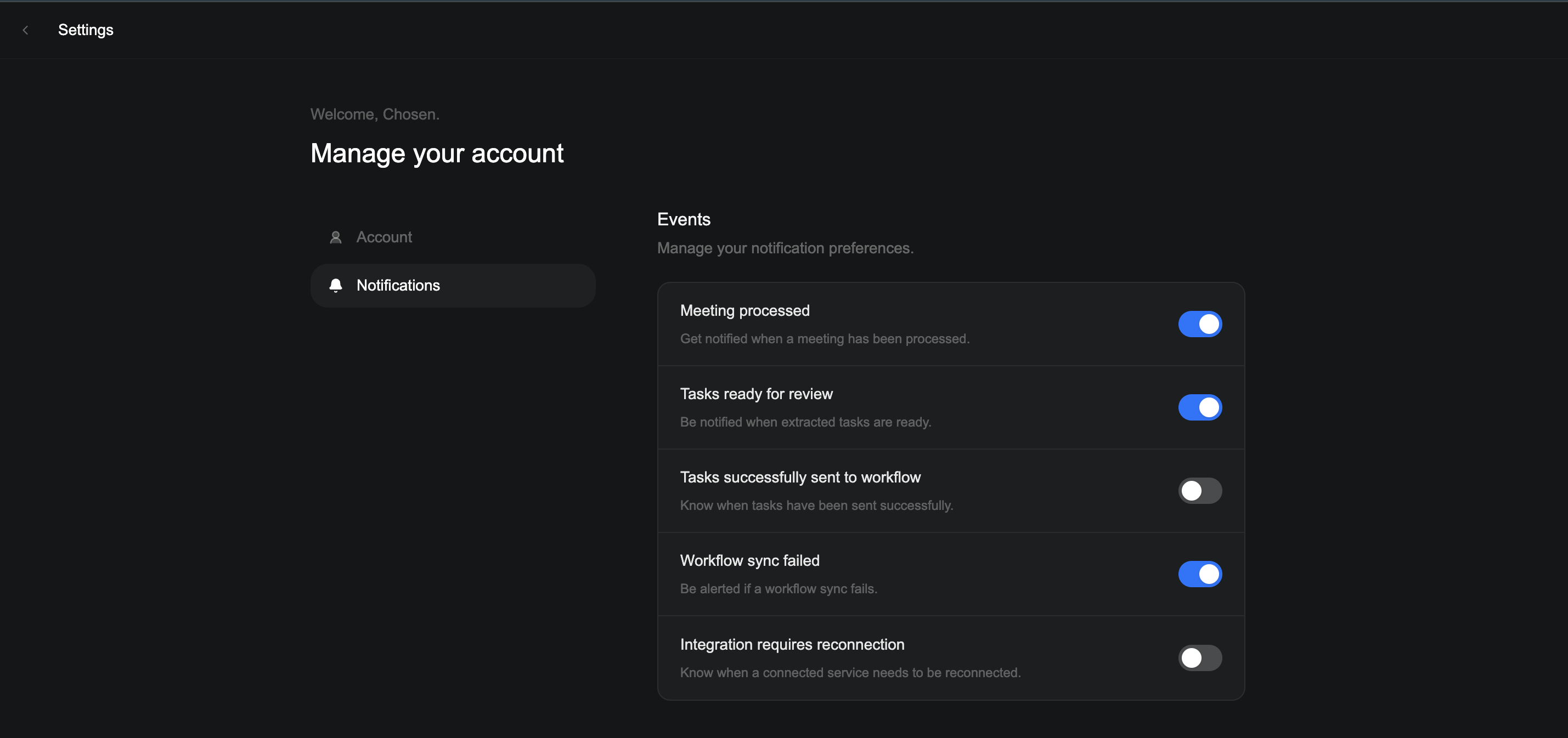
Events
Turn each notification on or off depending on what matters to you.
| Notification | When you receive it |
|---|---|
| Meeting processed | When Verbels finishes processing a meeting. |
| Tasks ready for review | When extracted tasks are ready to check. |
| Tasks successfully sent to workflow | When tasks have been sent to Jira or Asana successfully. |
| Workflow sync failed | When a sync to your workflow tool fails. |
| Integration requires reconnection | When a connected tool needs to be reconnected. |
Delivery
Choose where you want to receive notifications. You must keep at least one delivery method active.
| Option | What it does |
|---|---|
| In-app notifications | Receive notifications inside Verbels. |
| Email notifications | Receive notifications in your inbox. |